
fingering charts into your scores automatically.
A Notation Tool for NAF Composers and Players
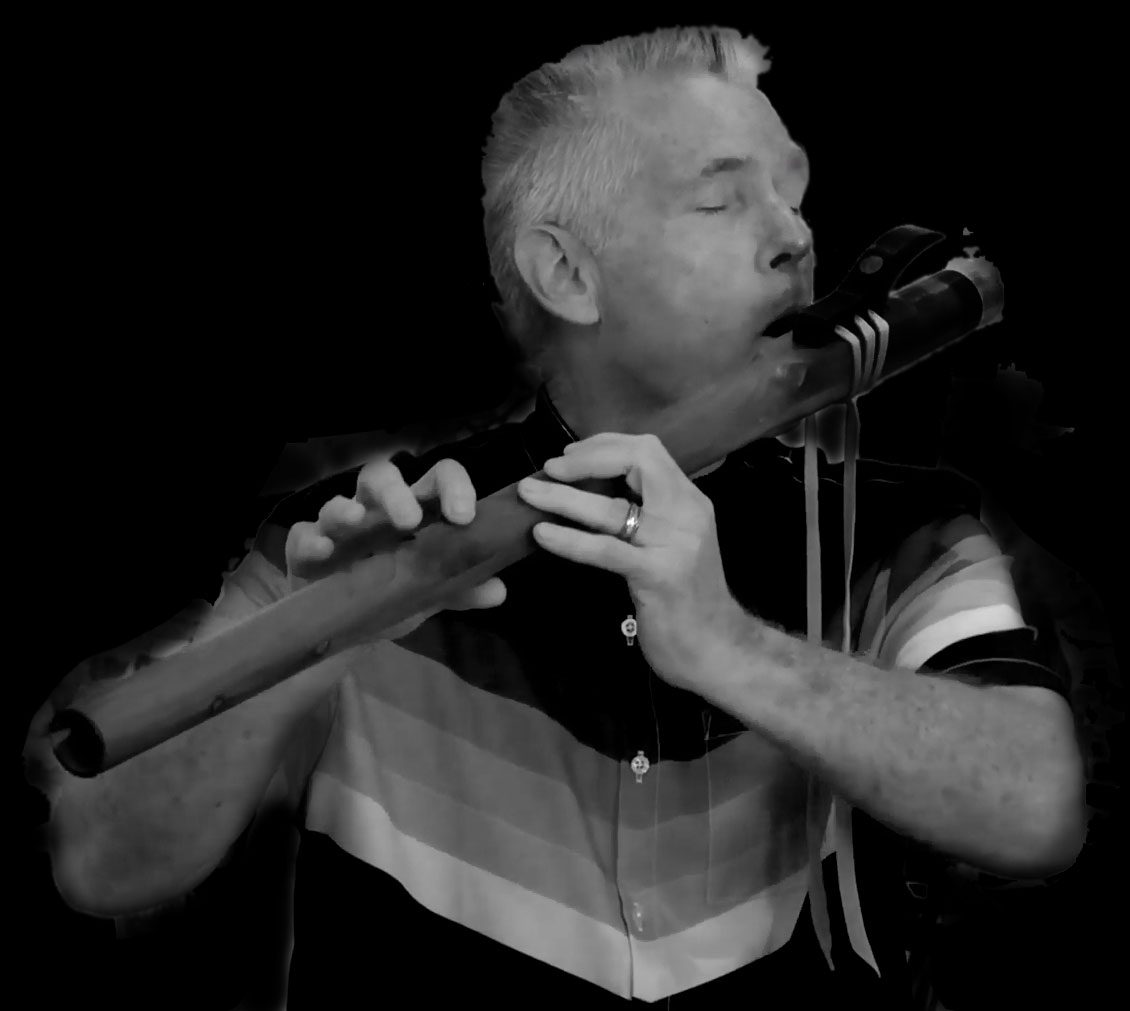
Created in Collaboration with Tim Land, a passionate flute composer and player from California, the tool allows the creation of standard fingering charts, often used in conjunction with the widely adopted Nakai Notation.
Features
1. Fingering Chart Creation
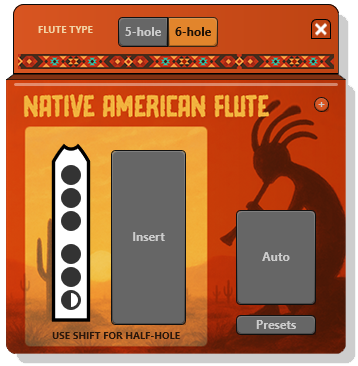
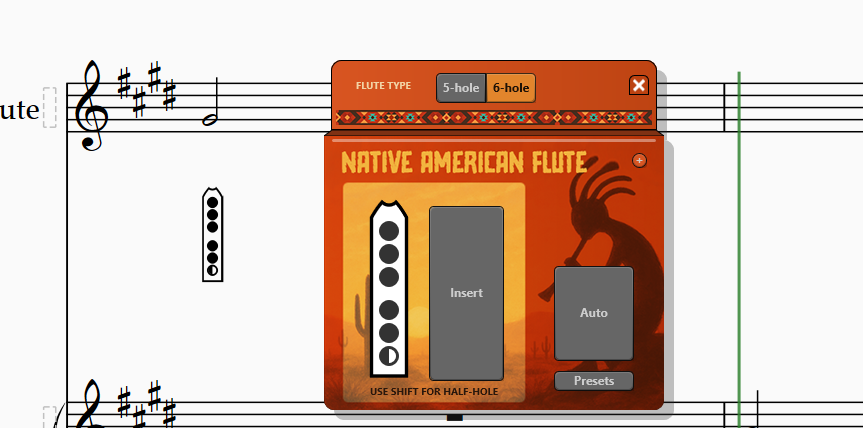
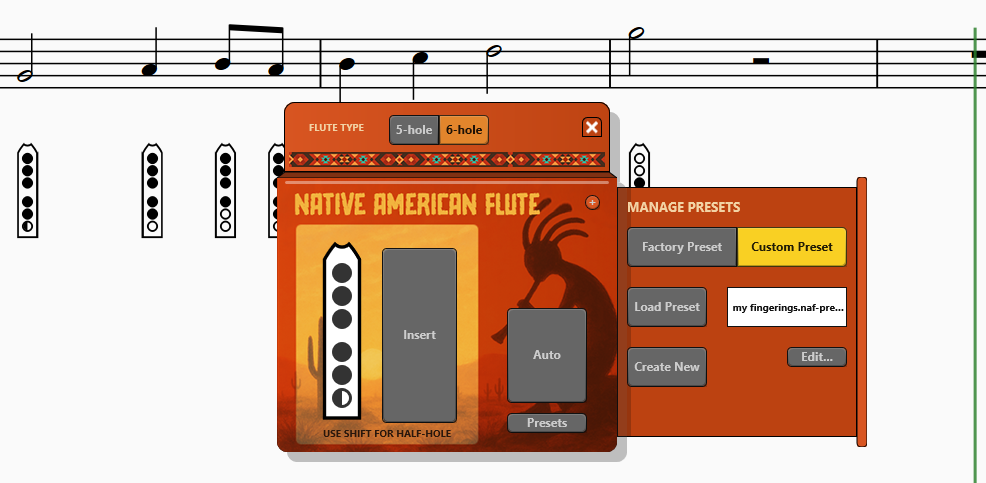
Fingering charts can be created easily using the flute diagram interface on the left.
Click on the holes to indicate fully covered positions.
Use Shift + Click for half-covered holes.
2. Automatic Fingering Application
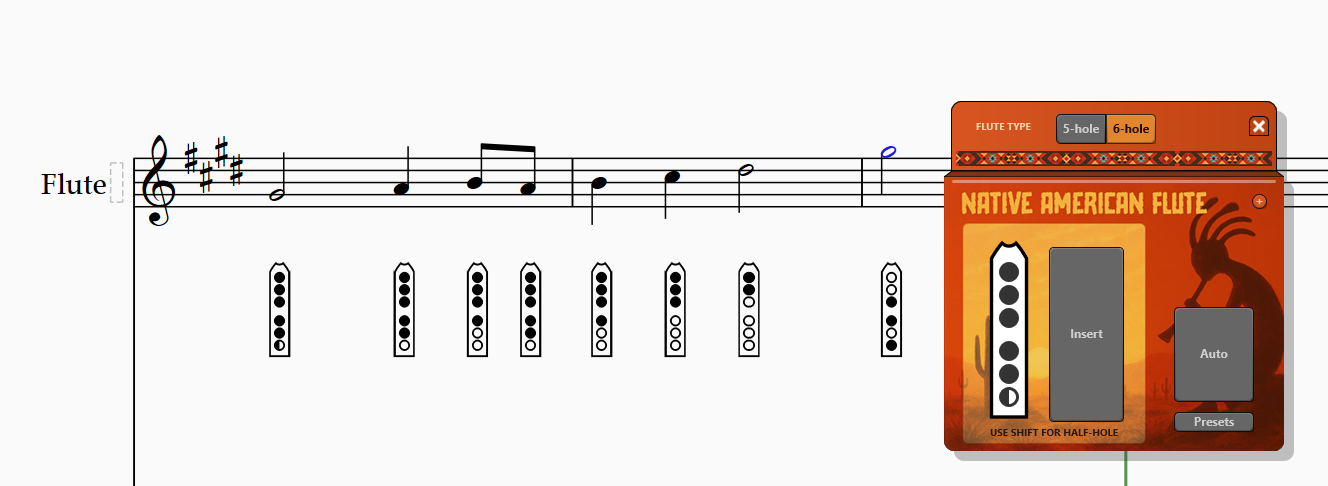
Select a passage and click the Auto button. The tool will automatically apply the corresponding fingering charts to each selected note.
The fingerings are based on standard positions provided by default and can
be fully customized.
3. Fingering Preset Management
You can override the automatic presets with your own custom fingerings. Click the Presets button to reveal the Preset Manager drawer.
From there, you can create and manage your own presets. Click Create to start a new one; a text file will appear. To help you get started, the default fingering diagrams are provided as a base.
Get The Native American Flute Tool
Get the Native American Flute Tool from the Graphical MIDI Tools website.
The Custom Tool Program
Tools like this start in our Custom Tool program. What should your next notation tool do? Learn more.