Sibelius Ultimate users,
Today I’m bringing you a simple tip to help enhance the realism of your score playback.
You can add custom grace notes, appoggiaturas, or other ad lib gestures that you want to hear—but not have engraved in the score—by using hidden MIDI command notes.
There are two ways to accomplish this.
Manually entering hidden MIDI notes
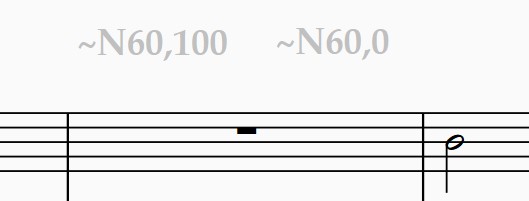
Sibelius allows you to insert custom MIDI commands using hidden texts.
The Note On command has the following format:
"~N[note],[velocity]"
For example, to play Middle C (note 60) at a velocity of 100, add the text: ~N60,100
To turn the note off (otherwise it will ring forever), enter a similar command with velocity 0: ~N60,0.
Using the GMT Phantom Notes Tool
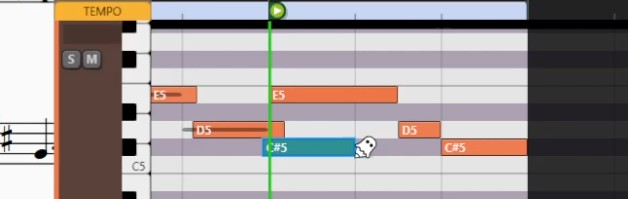
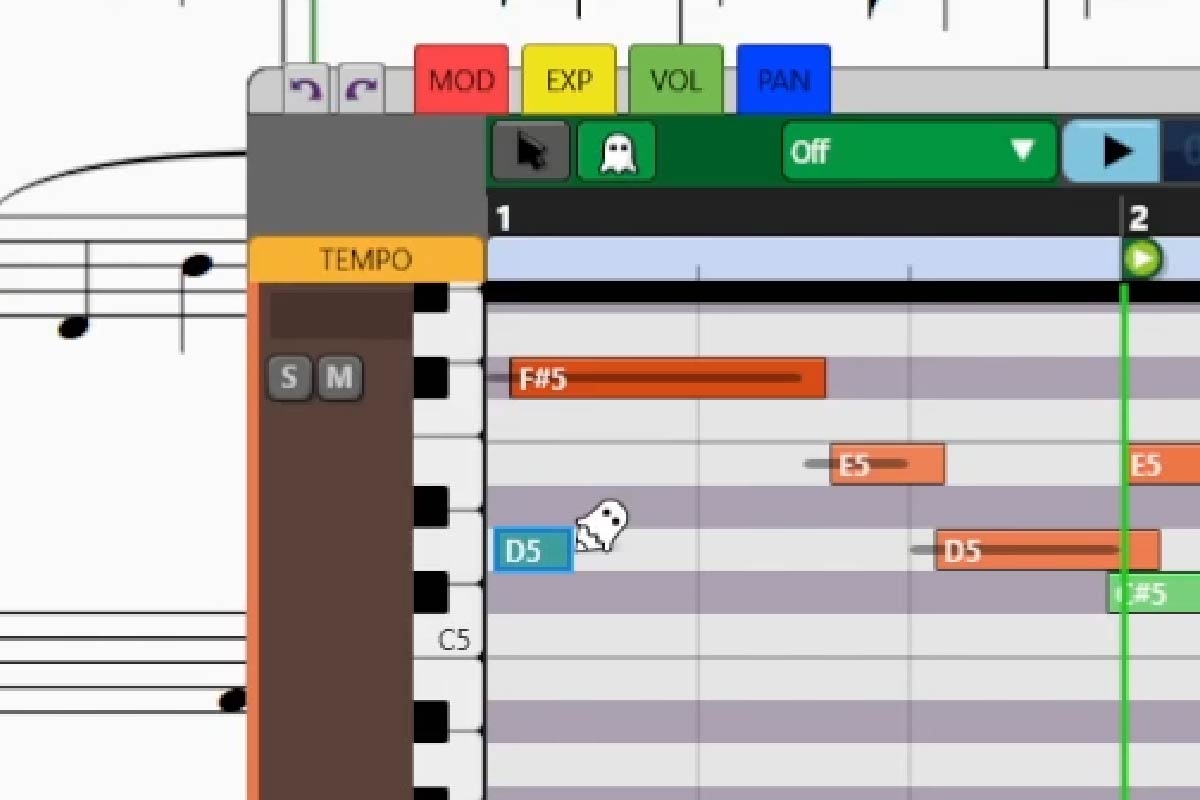
If you prefer a visual, piano-roll-oriented way of inserting hidden MIDI notes, you can use Graphical MIDI Tools’ “Phantom Notes” feature.
Select a passage and open GMT. Then activate the Phantom Notes tool (the ghost icon in the upper left).
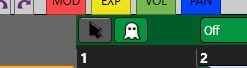
You can now click and drag to draw notes directly in the piano roll.